
Создание пресейва на релиз
“Это ссылка, по которой слушатели переходят на релиз, когда трек вышел + добавить скрин страницы с пресейвом”
Необходимые условия
- Верифицированный аккаунт в BandLink
- Загруженный релиз через дистрибьютора
- UPC-код релиза (получается у дистрибьютора)
-
Подготовка данных
-
-
- Получите UPC-код у дистрибьютора
- Установите дату релиза через 2-4 недели после выгрузки
-
-
Создание страницы
-
-
- Войдите в личный кабинет BandLink
- Нажмите «Создать BandLink»
- Выберите «Релиз»
-
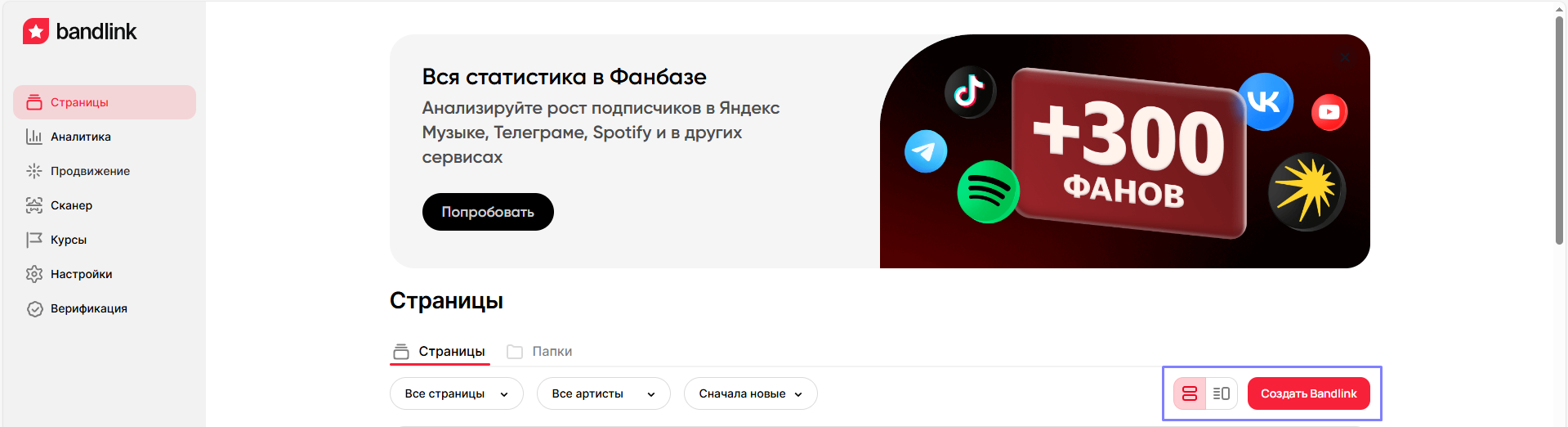
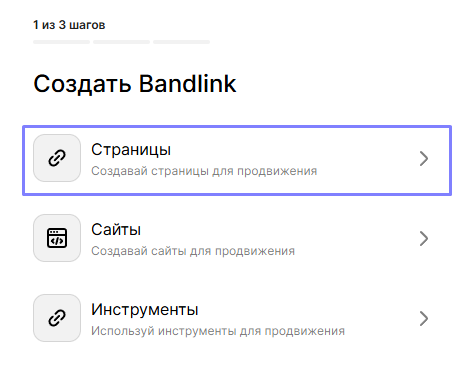
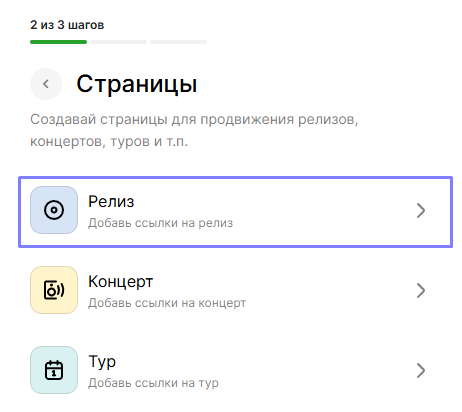
-
Настройка пресейва
-
-
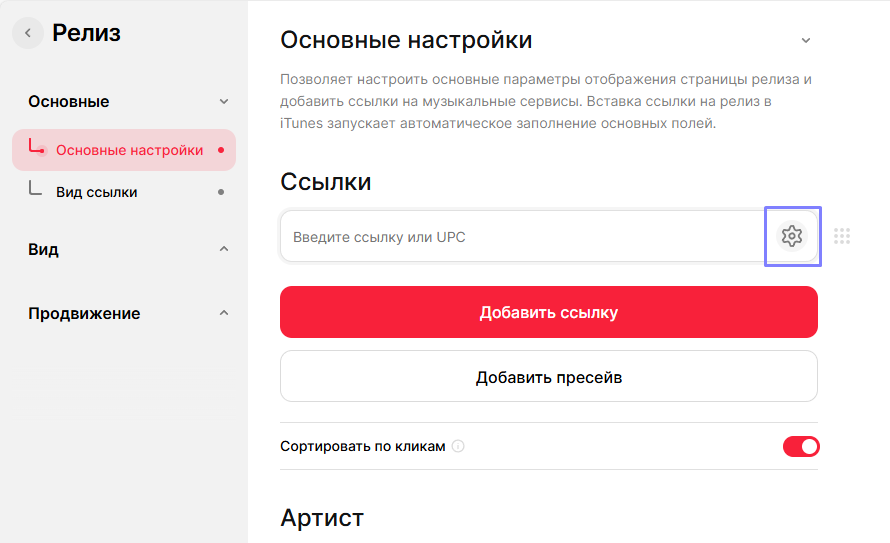
- В меню настроек нажмите «Добавить пресейв»
- Вставьте UPC-код в соответствующее поле
- Сохраните изменения
- В меню настроек нажмите «Добавить пресейв»
-
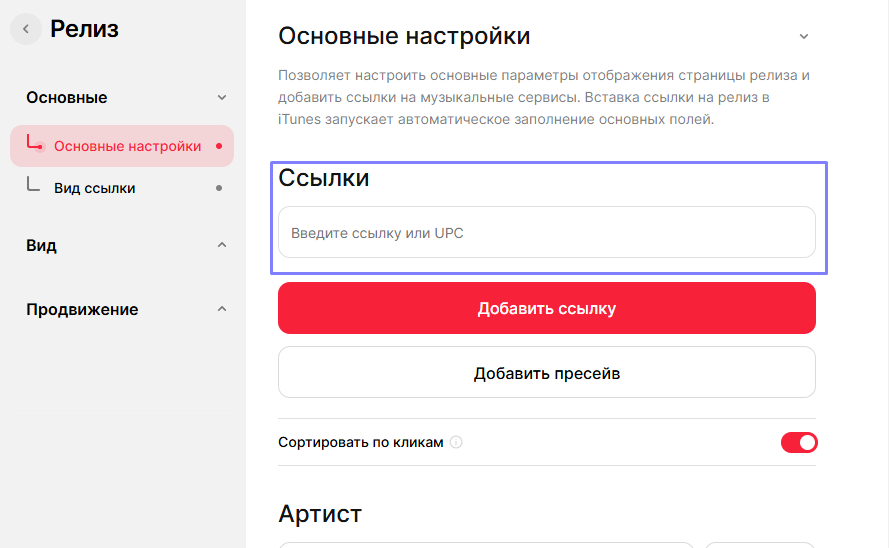
-
Кастомизация
Нажмите на значок шестеренки рядом с пресейвом
-
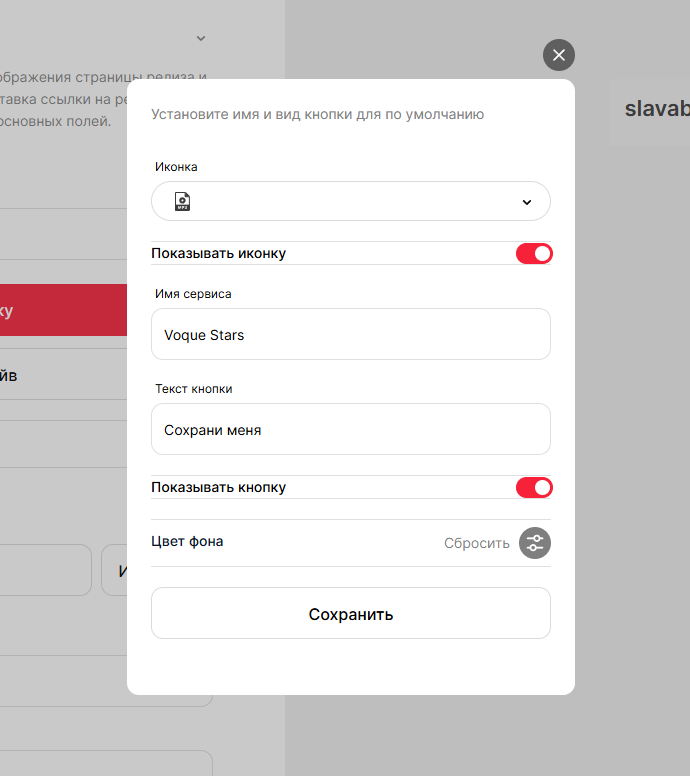
Настройка кастомизации:
-
-
- Текст кнопки
- Цвет фона
- Ссылки для редиректа
- Отображение иконок
-
-
Рекомендации по использованию
-
-
- Начните промо-кампанию минимум за 2 недели до релиза
- Создайте конкурс среди аудитории
- Оформите посты для всех соцсетей с указанием предварительной ссылки
- Добавьте QR-коды в видеоконтент
-
Создание мультиссылки (смартлинка)
Смартлинк — это универсальная ссылка на ваш релиз с переходом на все музыкальные площадки с вашим треком.
Но это также уникальный передник на все социальные сети артиста. В ней можно добавить изображения, текст к артисту
-
Базовая настройка
-
-
- В личном кабинете выберите «Создать BandLink»
- Выберите тип страницы
- Добавьте основную информацию
-
-
Подключение площадок
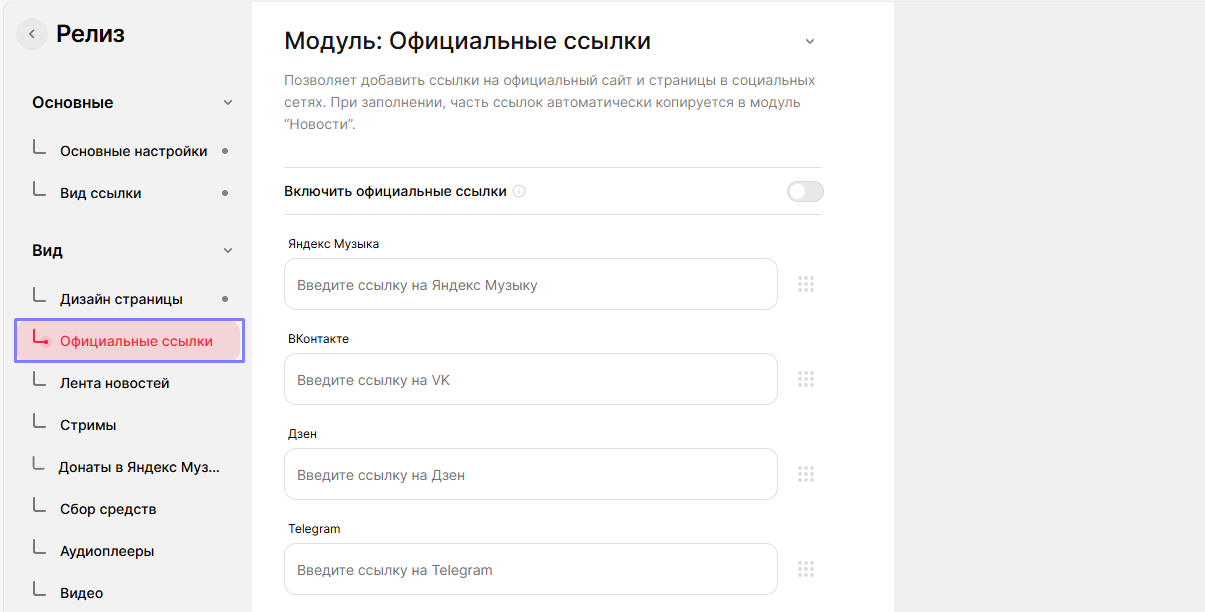
Социальные сети и стриминговые сервисы
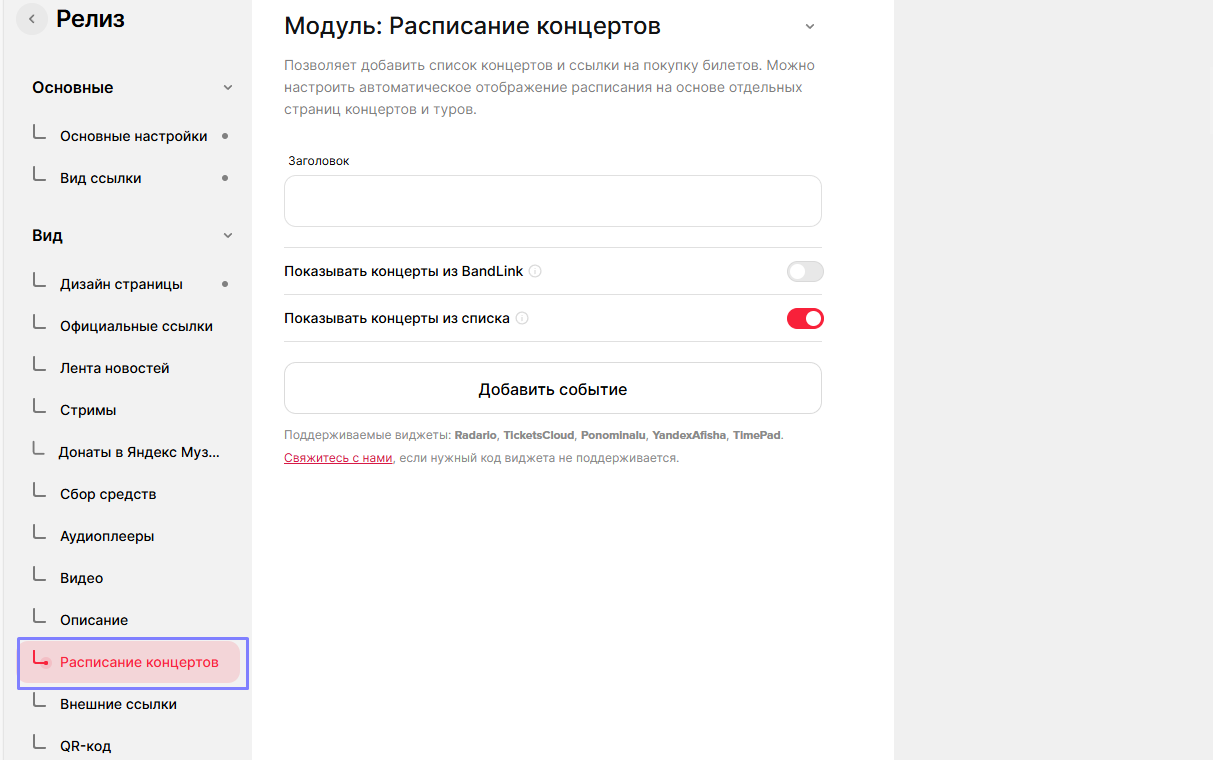
Концертные площадки
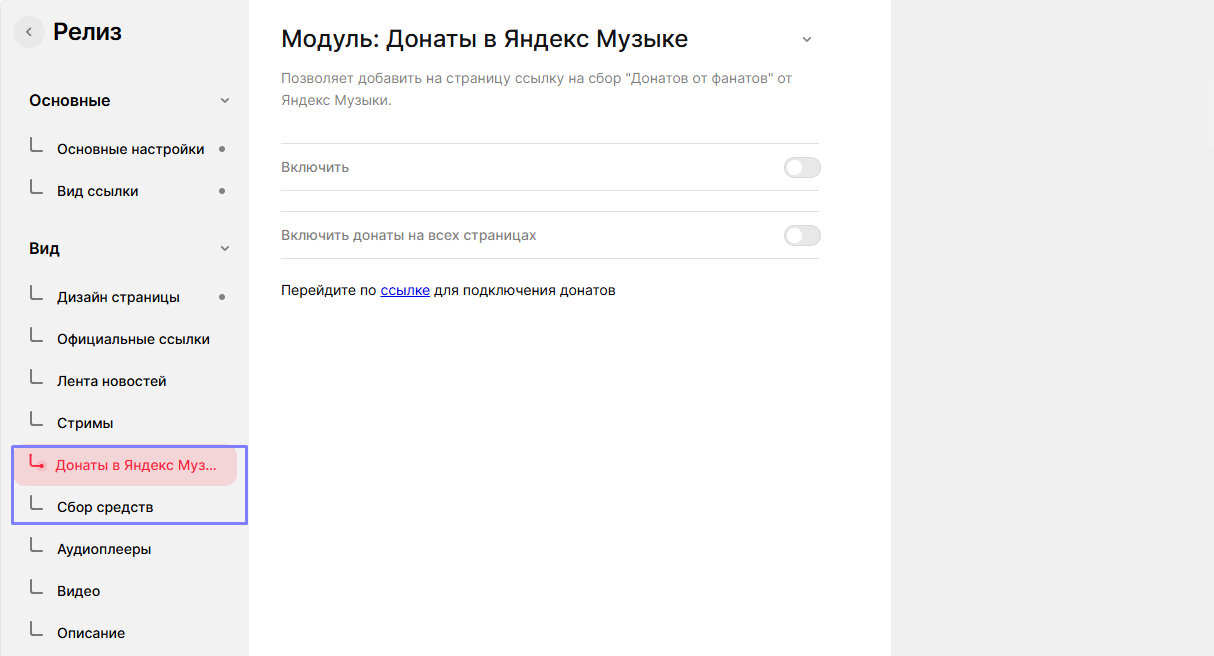
Системы донатов
-
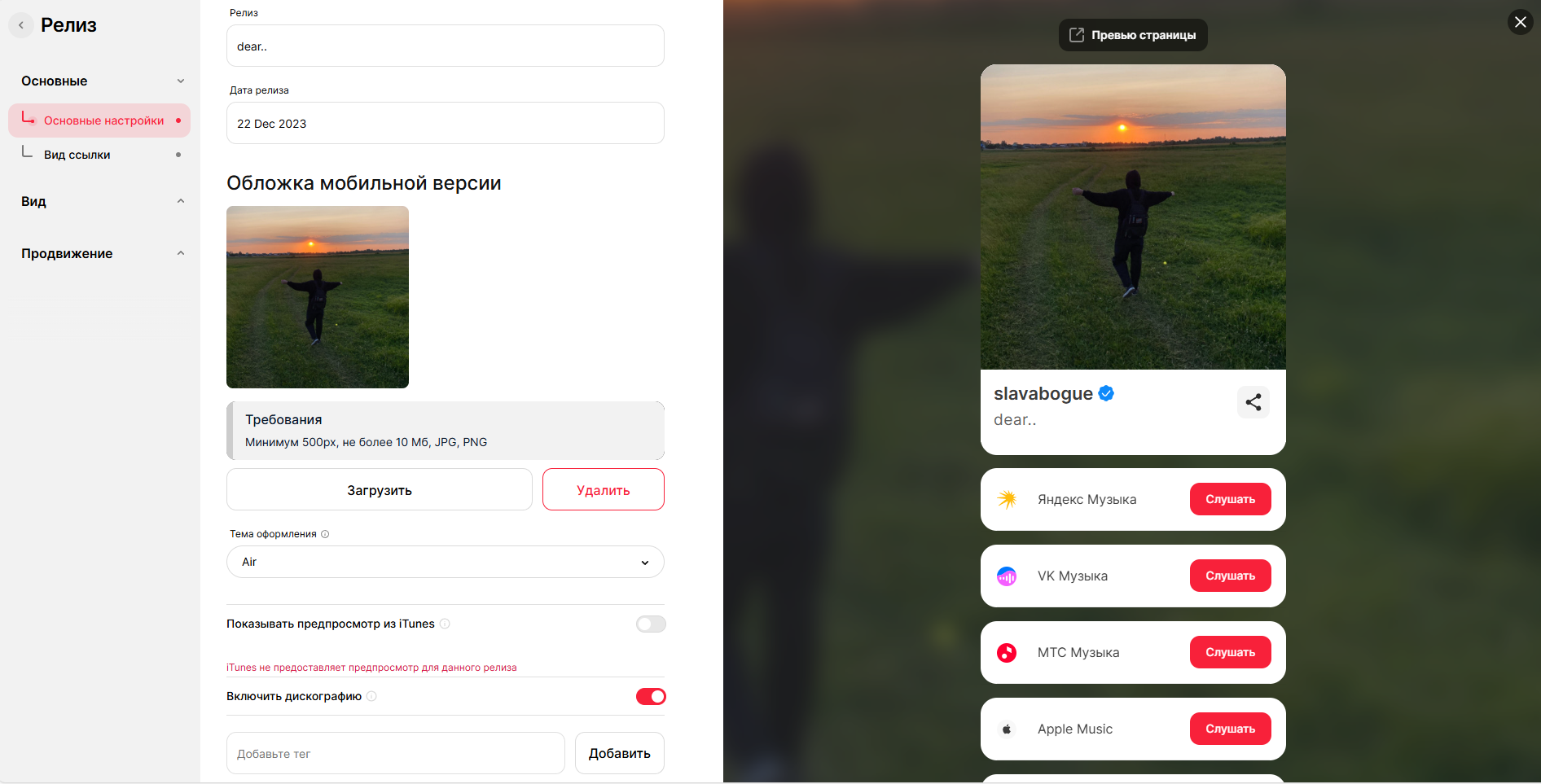
Настройка внешнего вида
-
- Выберите дизайн
- Добавьте обложку
- Настройте кнопки действий
- Определите порядок отображения ссылок
-
Рекомендации по использованию
-
- Регулярно обновляйте информацию
- Добавляйте актуальные релизы
- Обновляйте ссылки на концерты
- Настройте редирект на важные страницы
-
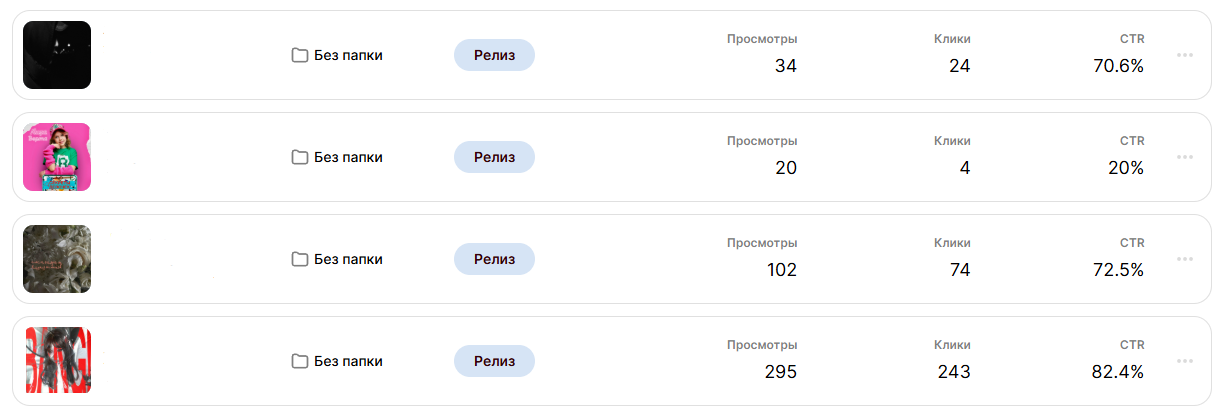
Аналитика и отслеживание(BandLink)
-
- Статистика по пресейвам
- Отчеты по переходам
- Данные по вовлеченности
После создания пресейва и мультиссылки обязательно протестируйте их работу с разных устройств и браузеров,
чтобы убедиться в корректности отображения и функционирования всех элементов.