
Зачем нужна верификация в bandlink
Верификация в BandLink необходима для получения полного доступа к функционалу платформы, а это:
- Доступ к аналитике из Яндекс Музыки
- Возможность подключения кнопки донатов
- Право добавлять информацию о будущих релизах
- Доступ к расширенным инструментам продвижения
Кто может пройти верификацию
- Зарегистрированные пользователи
- Новые пользователи
- Артисты
- Менеджеры артистов
Пошаговая инструкция верификации
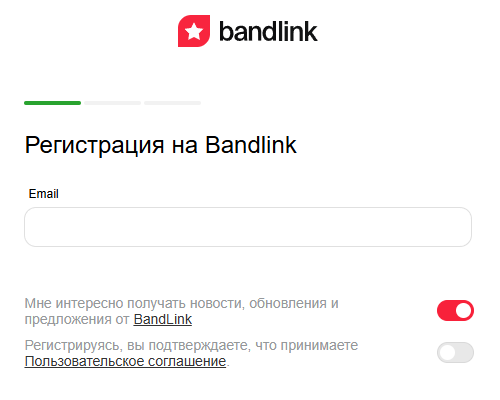
- Вход в систему
- Откройте сайт BandLink
- Перейдите в личный кабинет
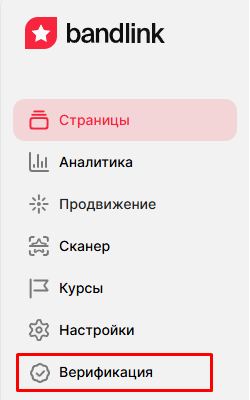
- Найдите кнопку «Верификация» в боковом меню внизу
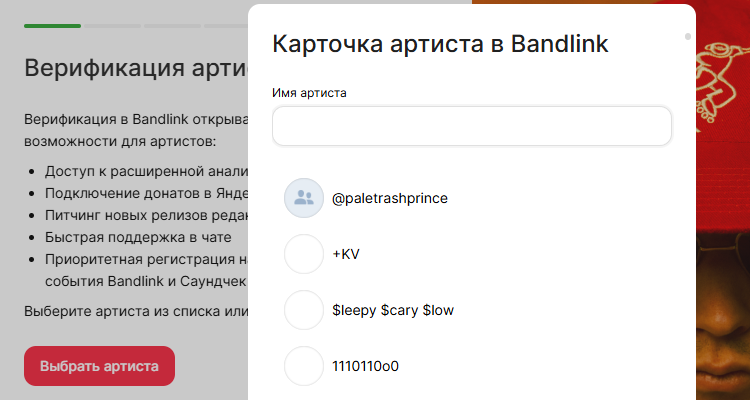
- Введите точное имя артиста как в карточке Яндекс Музыки
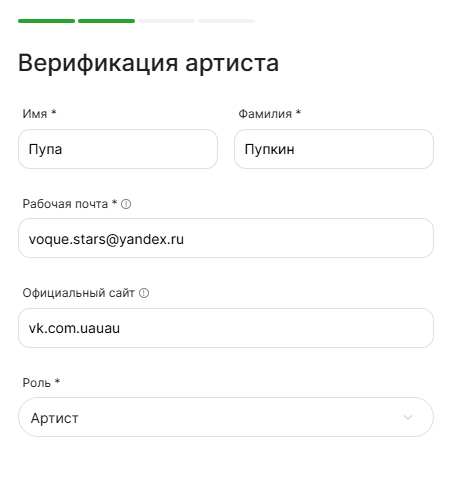
- Если создаете новый профиль — заполните необходимые данные
- Регистрация через Яндекс ID или через существующий Яндекс ID
Заполнение данных
- Укажите реальные ФИО
- Введите рабочую почту (указанную в официальных источниках, лучше Yandex почту)
- Выберите свою роль (артист/менеджер)
Способы верификации
- Через официальную группу ВКонтакте
- Через скринкаст из кабинета Spotify for Artists
- Через скринкаст из кабинета Apple Music for Artists
- Через скринкаст из кабинета дистрибьютора/лейбла
Дополнительные требования при отправке скринкастов:
- Сделайте запись экрана с кабинетом артиста
- Загрузите файл на облачный сервис (Яндекс Диск, Google Drive, Dropbox)
- Откройте доступ к файлу
- Добавьте ссылку на файл в форму верификации
Сроки и результаты
- Рассмотрение заявки занимает до 7 рабочих дней
- На email придет уведомление о статусе заявки
- После одобрения вы получите полный доступ к функционалу
Возможные причины отказа
- Неправильный UPC-код
- Отсутствие админ прав в группе ВКонтакте
- Скринкаст с чужим кабинетом
- Отсутствие релизов на скринкасте
- Некорректное указание роли
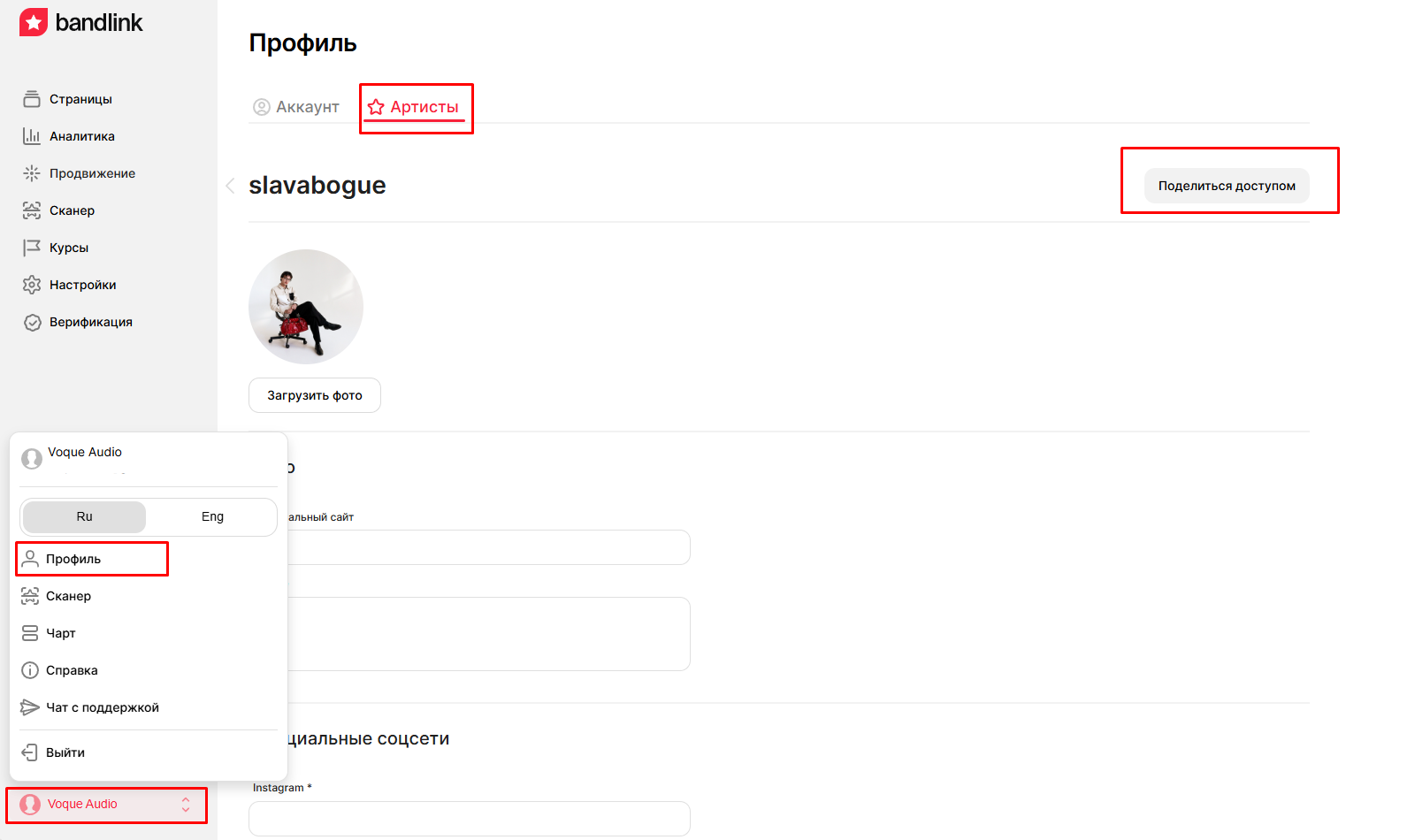
Передача доступа, если верификацию прошел менеджер:
- Он может передать права артисту
- Артист получит приглашение на email
- После верификации артиста менеджер получит статус «Редактор»
Следуя этой инструкции, вы сможете успешно верифицировать свой аккаунт в BandLink и получить доступ ко всем инструментам платформы.